Adding Items to the Cart

Adding Items to the Cart
You can add items to your cart directly from the product list.
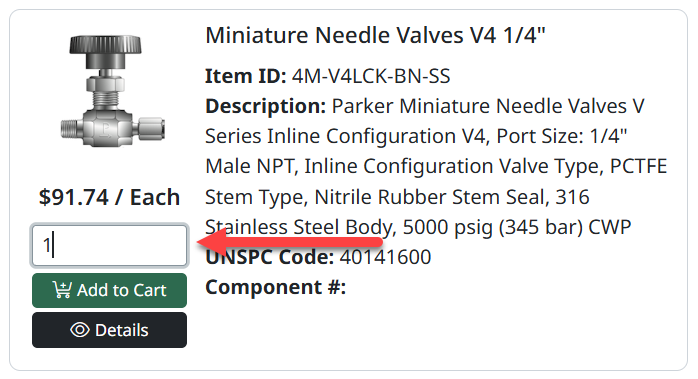
Add an Item
- Enter the required quantity
- Click Add to Cart
The item will be added to your cart.
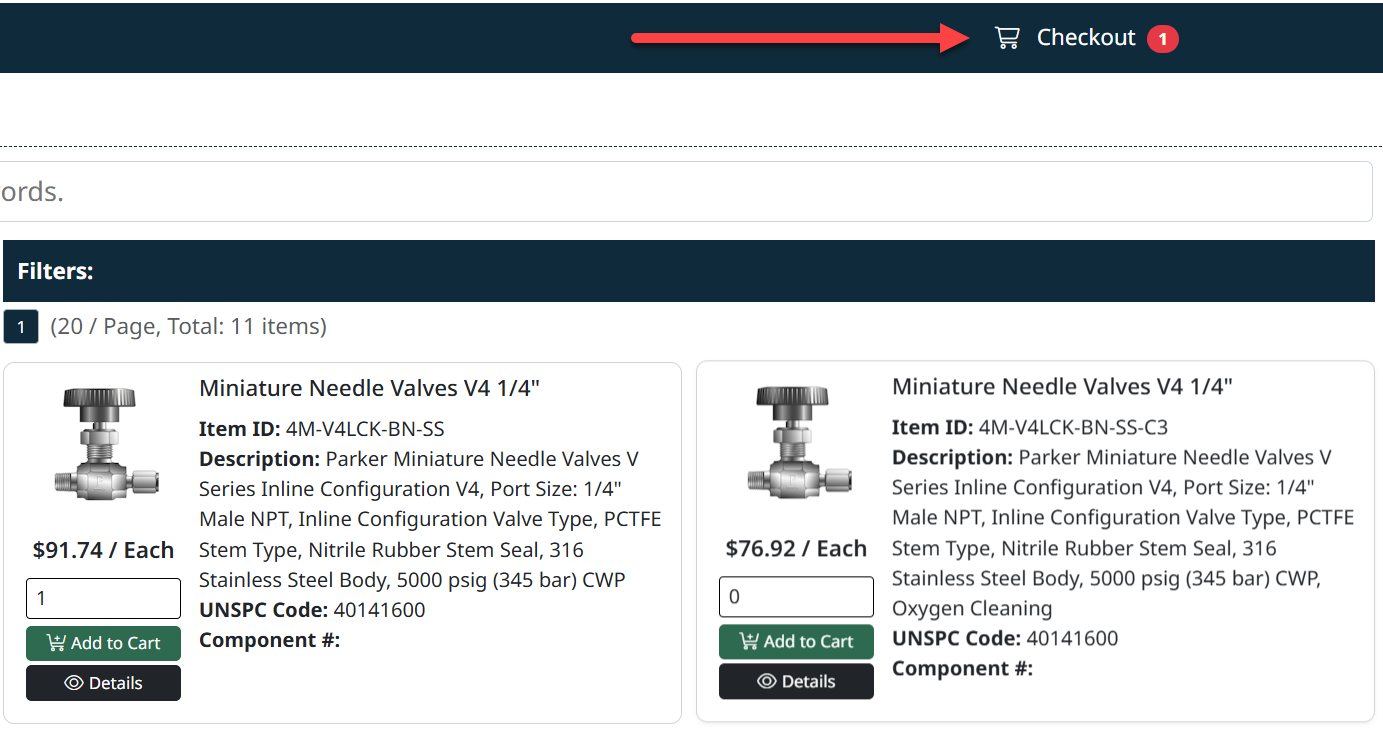
Cart Indicator
The cart icon in the top-right corner updates to show the number of product types in your cart.
Next Step
To review and manage your items, continue to Viewing and Managing the Cart.
Created with the Personal Edition of HelpNDoc: Effortlessly Convert Your Word Doc to an eBook: A Step-by-Step Guide