Viewing and Managing the Cart

Viewing and Managing the Cart
The cart displays all items you have selected for your order.
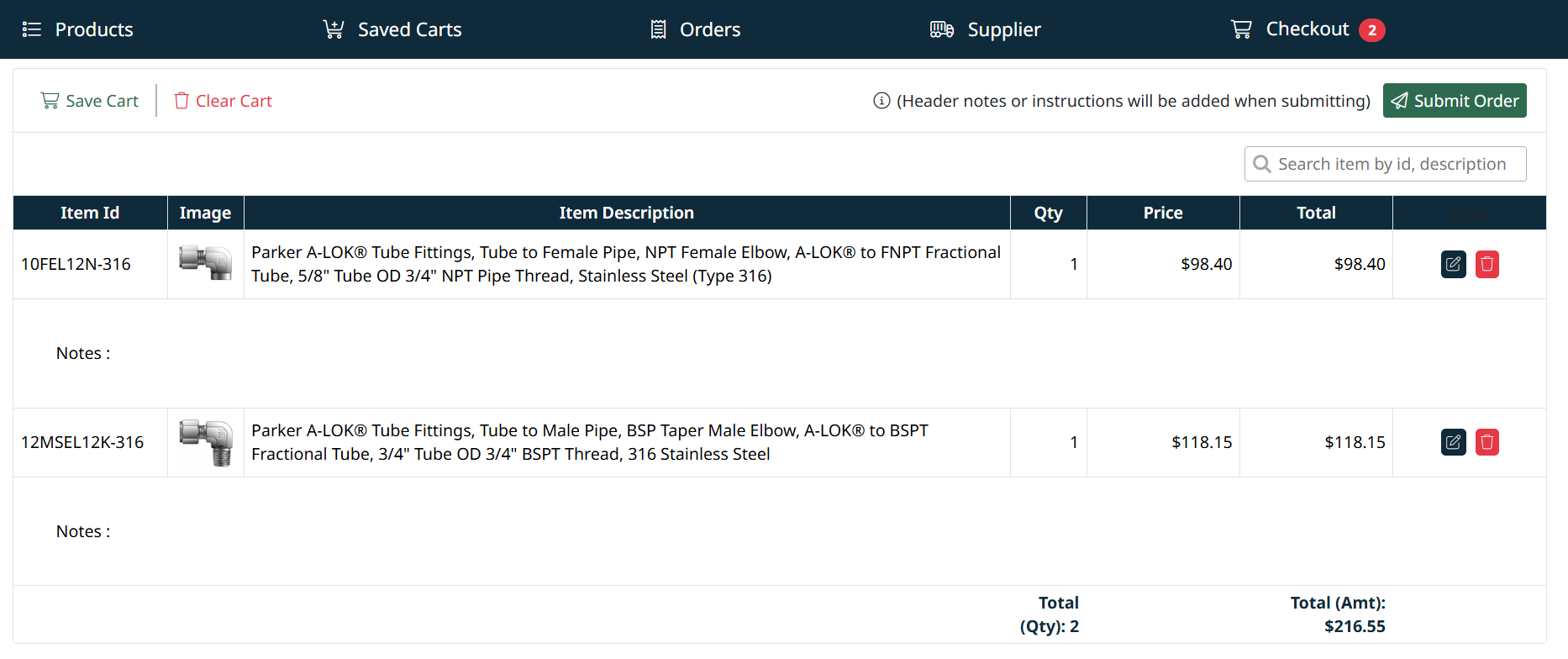
View Cart
- Click Checkout in the top navigation to open your cart
- All selected items are displayed in a list
Update Items
You can manage items directly in the cart:
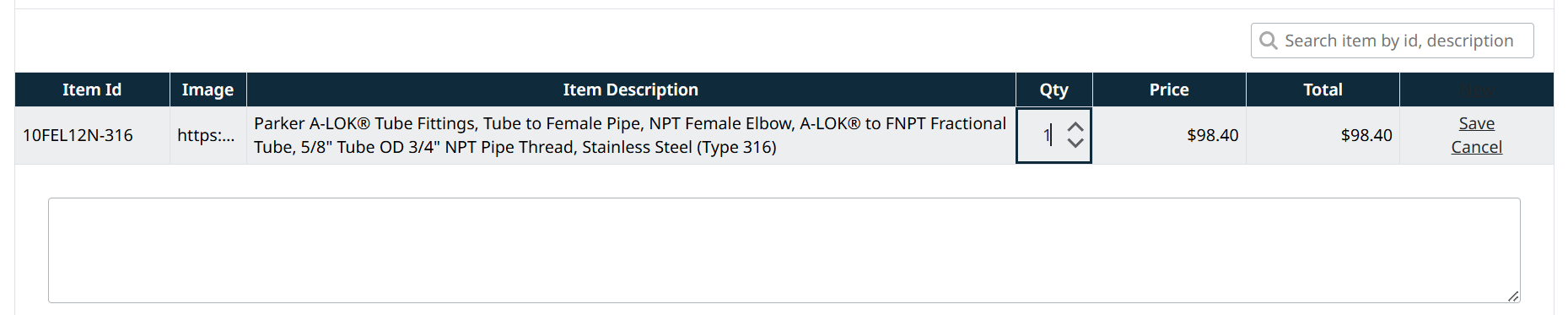
- Adjust quantities
- Remove items
- Review pricing and totals
Add or Update Notes
You can add notes to individual items in your cart.
- Use the Notes field below each item
- Enter any special instructions or additional information
- Notes will be included with the order when submitted
Cart Actions
The cart includes the following options:
- Update Saved Cart – Save changes to the current cart
- Save As New Cart – Create a new saved cart
- Clear Cart – Remove all items
Order Summary
The bottom of the cart displays:
- Total quantity of items
- Total order value
Next Step
When ready, continue to Checkout to place your order.
Created with the Personal Edition of HelpNDoc: Keep Your Sensitive PDFs Safe with These Easy Security Measures