Browsing Products

Browsing Products
The Products section allows you to browse and search for items available to your selected customer site.
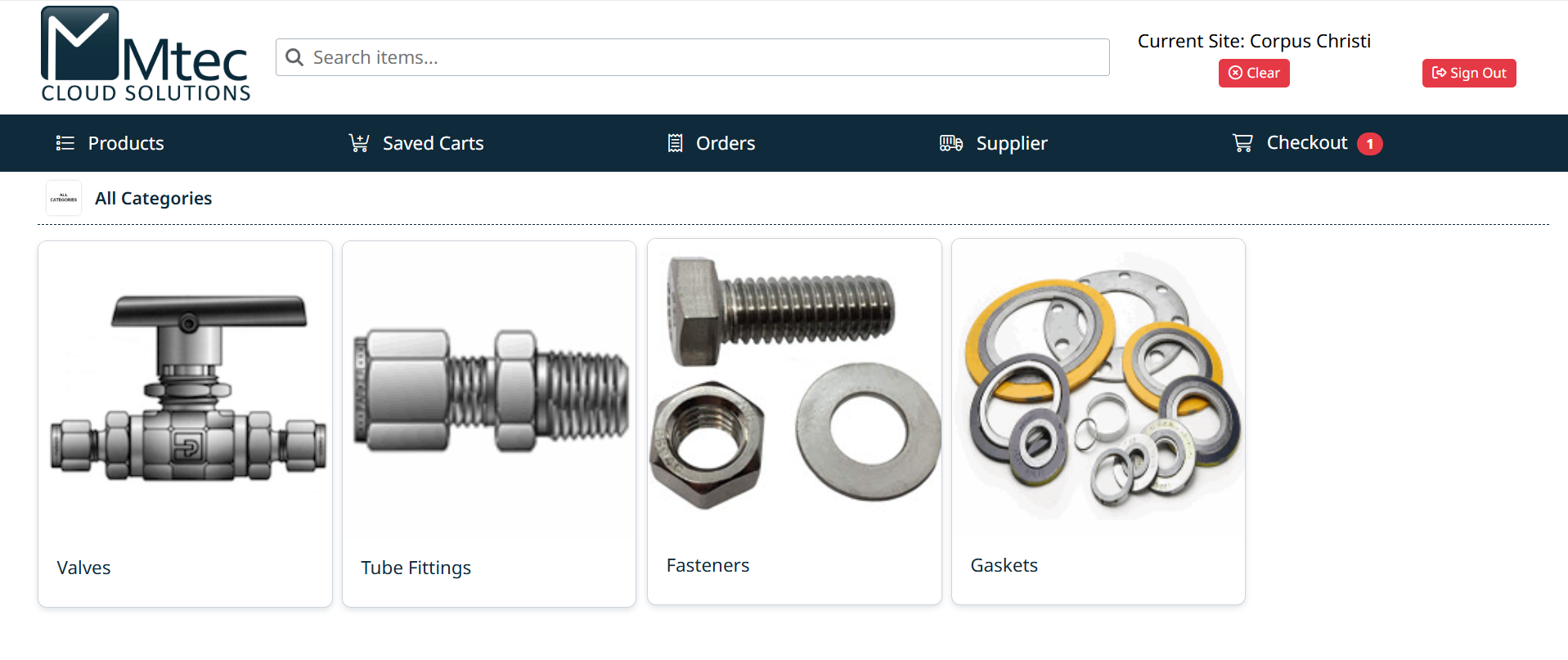
Products are organized into categories and subcategories, making it easy to navigate from broad product groups to specific items.
You can:
- Browse categories to explore available products
- Use the search bar to quickly find items by name or part number
- Apply filters to narrow down results
From the product list, you can view detailed product information and add items to your cart.
Related Topics
- Products Screen – Overview of the layout and key elements
- Navigating Categories – How to move through product categories
- Searching for Products – How to find items quickly
Created with the Personal Edition of HelpNDoc: Experience the Power and Ease of Use of HelpNDoc for CHM Help File Generation