Navigating Categories

Navigating Categories
Products are organized into categories and subcategories, allowing you to narrow down your selection step by step.
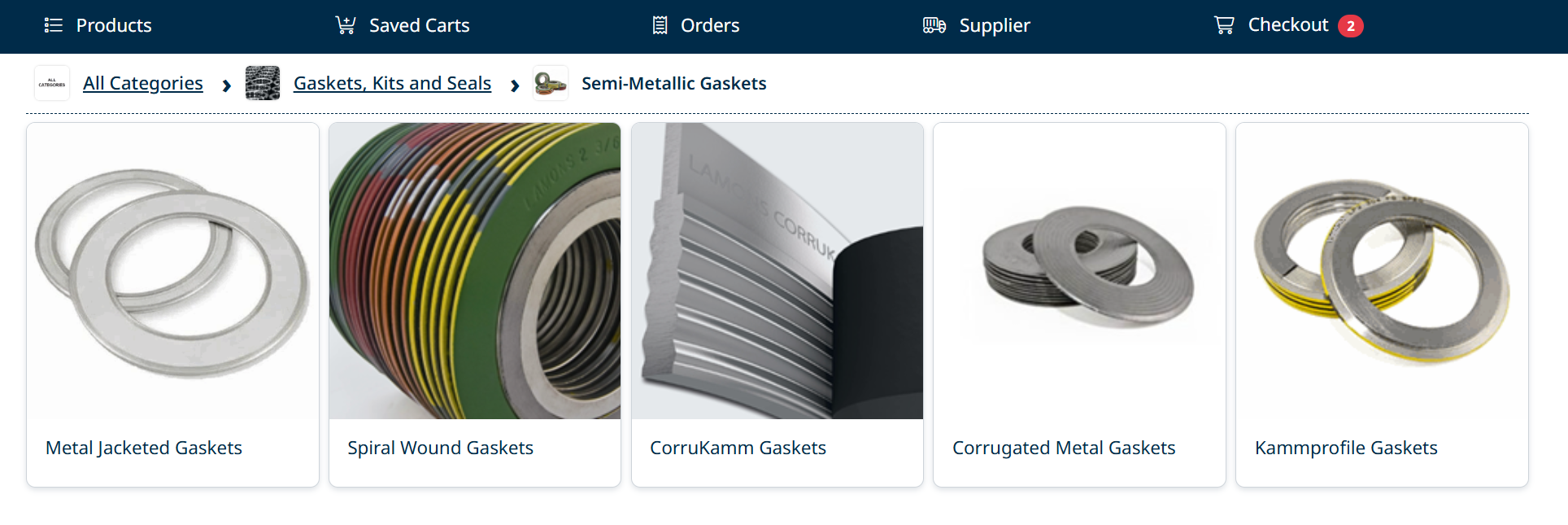
Browse Categories
- Click a category tile to view available subcategories
- Continue selecting categories to refine your results
- Select a subcategory to view the product list
Breadcrumb Navigation
The breadcrumb at the top of the screen shows your current location.
- Click any level in the breadcrumb to return to a previous category
- Use All Categories to return to the starting point
Tips
- Use categories when you are exploring products
- Move back and forth using the breadcrumb to adjust your selection
Next Step
To quickly find specific items, continue to Searching for Products.
Created with the Personal Edition of HelpNDoc: Write eBooks for the Kindle